


Your Lexy account
For readers and players: sign in, see your games and scores from every site, get or stop Lexy's calls, and delete your account.
A Lexy account is free. It keeps the games you play and your scores, on every site that has Lexy games, and it is where you switch Lexy's phone calls on and off. This guide is for readers and players. If you publish Lexy games on your own site, see Let readers sign in on your site.
Every game plays without an account. Signing in is for keeping your scores.
Sign in or create an account
- On any Lexy game, tap Sign In in the corner of the card, or Sign in with Lexy under your score at the end of a game.
- Choose Continue with Google, Continue with Apple, Continue with Microsoft or Continue with email.
- New to Lexy and using email, click Create a free account. Enter your email and a password of at least 8 characters, then click Create account.
- The sign-in window closes by itself and the game says "Signed in as" and your name. A score you had just earned is saved.
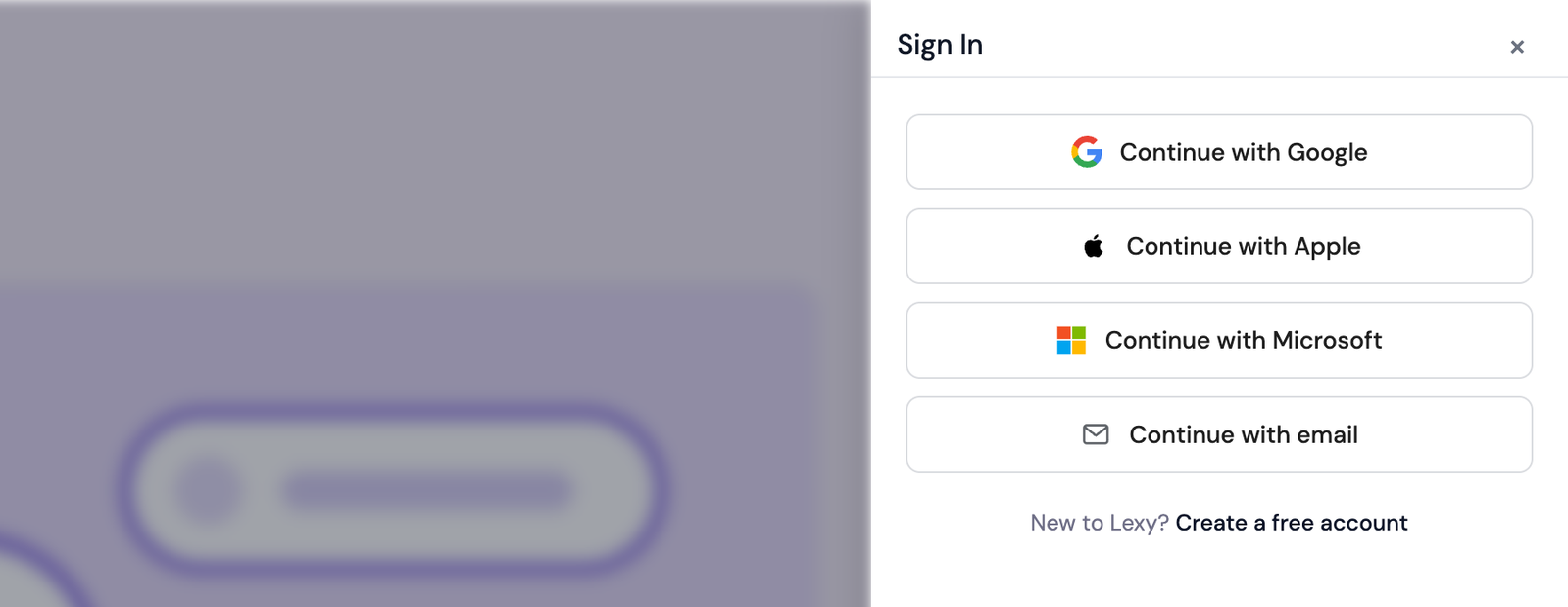
The sign-in window over an article, with Continue with Google, Apple, Microsoft and email, and Create a free account.
Sign-in can look different in two places.
- In Chrome and Edge, a browser that already knows your Lexy account shows its own sign-in prompt with your account in it. One tap signs you in.
- Inside an app, a panel covers the game and asks for your email. Tap Send code, then type the six-digit code from the email. The code lasts 10 minutes, and Send a new code sends another.
You sign in once on each site, and stay signed in there.
See your games and scores
Your profile is at lexy.fm/me. There are two ways to open it.
- From a game. Once you are signed in, the Sign In link becomes a settings icon. Tap it and choose My Profile.
- On lexy.fm. Click My Profile at the top of the page.
| Card | What it holds |
|---|---|
| Basic Information | Your Full Name, Email Address and Phone Number. |
| Lexy account | Your account type, which is Free. |
| Player Stats | Games Played, Correct Answers and Accuracy across everything you played. View Player History lists your recent games, with a button to download them as a PDF. |
| Recent games | Your thirty latest games, grouped by the site you played them on, each with its date and score. Visit takes you back to that site. |
| Daily news brief call and Daily game call | Calls from Lexy, each with a switch for every call time. |
| Account Information | When you joined, and Delete account. |
If lexy.fm asks you to sign in first, use your email and password. An account made with Google, Apple, Microsoft or an emailed code gets its first password through Forgot password?, below.
Get a call from Lexy
Lexy can call you once a day with the news brief or a short trivia game.
- On your profile, switch on a call time under Daily news brief call or Daily game call.
- Enter a US or Canada mobile number under Mobile number.
- Read the sentence beside the box and tick it to agree to the calls.
- Click Text me a code, type the code from the text, and click Confirm and turn on.
To stop the calls, switch the call time off, or reply STOP to any Lexy text. Both work at once.
Forgot your password
- On the sign-in form, choose Continue with email, then click Forgot password?.
- Enter your email address and click Send Reset Link.
- Open the link in the email within one hour and choose a new password.
Sign out
- On a site with Lexy games. Tap the settings icon in the corner of a game and choose Sign Out. That signs you out on that site.
- On lexy.fm. On your profile, open the menu under your initials at the top of the page and choose Sign Out.
Delete your account
- Open your profile at lexy.fm/me.
- In Account Information, at the bottom of the page, click Delete account.
- Under Type DELETE to confirm, type DELETE and click Delete account. Keep my account closes the window and leaves everything as it was.
Deleting is permanent. This is what happens.
- Your name, email address, phone number and password are removed from your account.
- Your scores and progress leave your account.
- Your phone programs stop, and calls waiting to go out are cancelled.
- You are signed out of Lexy on every site, and your Google, Apple or Microsoft sign-in is unlinked from the account.
- The games you played stay in each site's totals, under an anonymous player number. Games played on a phone call stay under the number that played them.
For a copy of your data first, email privacy@lexy.fm before you delete.
Common questions
Does a Lexy account cost anything?
A Lexy account for playing is free. Making games and widgets for a site of your own comes with a publisher plan. See Plans, add-ons and billing.
Who can see my games and scores?
You can, on your profile. A site you play on sees its players as anonymous player numbers, and your name, email and phone number stay with Lexy.
I signed in on one site. Am I signed in everywhere?
Each site has its own sign-in, so you sign in once on each. It is the same account everywhere, and your profile shows your games from all of them.
Can I get my account back after deleting it?
Deleting is permanent. You can make a new free account at any time, starting fresh.
Thanks for letting us know.
Thanks. Write to support@lexy.fm with what you were looking for, and we will answer and improve this page.